Brand Wear-Out
Part of Brand safety in performance messaging
Escalating a creative risk before a campaign launches
Route a flagged Australian ad to a decision owner, record the outcome and confirm the approved asset before launch.
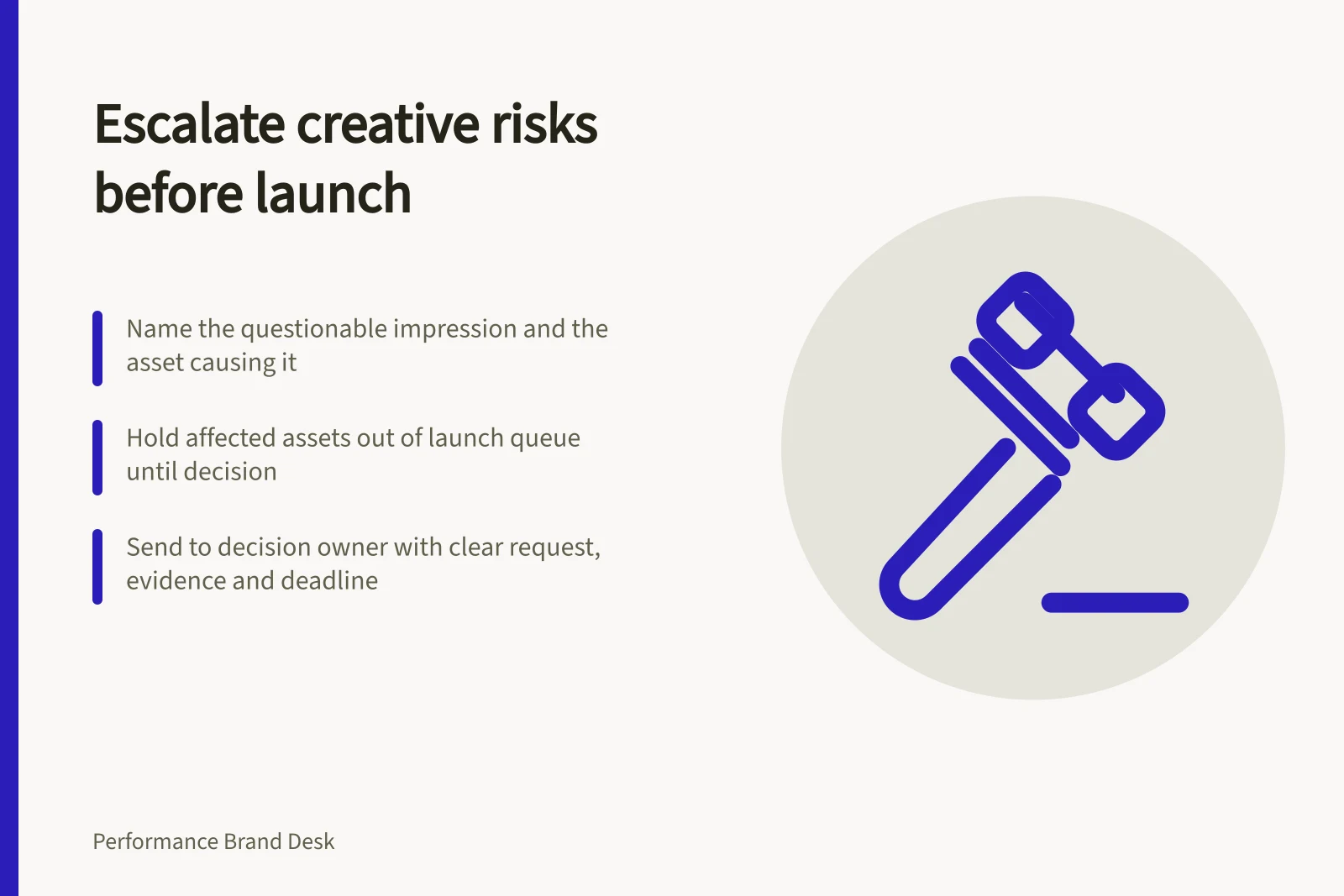
Escalate a creative risk once you can name the questionable impression and the asset that creates it. Hold the affected asset out of the launch queue while the issue is decided. A useful handoff states the decision required, supplies the finished creative and evidence, and reaches someone able to approve a correction or hold the work.
Make the concern specific
Capture the asset version, placement and crop, plus the wording or image at issue, what a customer may believe, and the evidence or permission currently available. Include the destination and planned launch time. Separate known facts from uncertainty and identify any other assets carrying the same message.
A fictional service ad, for example, has a location condition in the master file that a proposed mobile crop hides. The escalation asks whether the delivered ad implies wider availability than the business can provide. The team checks the service record, then changes or holds that crop.
Send it to a decision owner
| Concern | Owner to involve | Material needed |
|---|---|---|
| Product or service fact | Product or operations owner | Current specification, terms or availability |
| Comparison or regulated claim | Appropriate claim or legal reviewer | Exact ad, comparison basis and supporting records |
| Customer words or identity | Customer-voice and privacy owners | Original account, proposed use and authority record |
| Sensitive concept | Brand lead and relevant specialist | Full execution, context, audience and placement |
| Destination mismatch | Campaign and website owners | Page state and intended customer path |
These roles are suggestions. In a smaller business, one qualified person may own several decisions. Give that person the deadline and a way to return a clear outcome; a request for general reassurance does not resolve a specified risk.
Decision Owner Roles by Concern Type
- Product or service fact
- Product or operations owner
- Comparison or regulated claim
- Appropriate claim or legal reviewer
- Customer words or identity
- Customer-voice and privacy owners
- Sensitive concept
- Brand lead and relevant specialist
- Destination mismatch
- Campaign and website owners
Record an outcome production can use
Use one of three outcomes: approve the exact asset under stated conditions, revise and resubmit, or hold pending evidence or a changed offer. Record the reason, decision owner, date and asset version. If a claim is narrowed, inspect the revised image, crop, caption and destination together.
The ACCC can require businesses to back up claims they make about their products or services. A material claim gap therefore merits a launch decision. An internal concern is not, by itself, a finding that the law has been breached.
Close the handoff before launch
Confirm the approved file is the one scheduled to run. Check the placement preview and destination, and tell the campaign owner which older versions to remove from the queue. If a decision misses the booking deadline, move the affected asset rather than treat silence as approval.
Keep the record for later edits. A new product version, attribution, comparison or crop can change the impression and require another decision. Approval applies to the execution and conditions examined.
Key Compliance & Risk Metrics
- ACCC claim verification requirement
- Mandatory for material claims
- Internal concern ≠ legal breach
- Requires separate assessment
- Approval applies to execution and conditions
- Not automatic for future changes